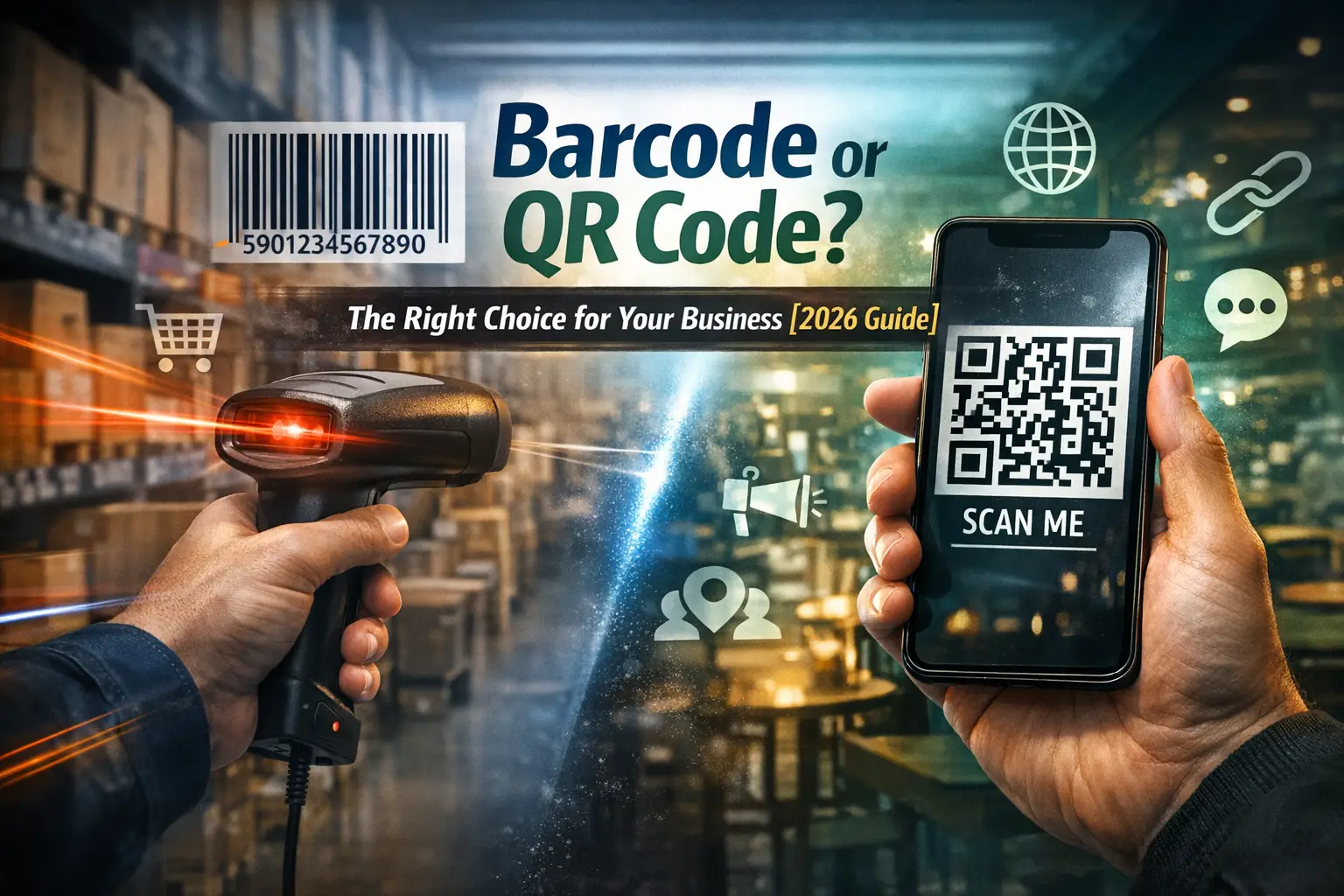
Decision guide
Barcode vs QR Code in 2026: Choose for the Scanning Workflow
Compare a warehouse label, retail pack, customer-facing link, and returns desk without assuming that a newer carrier is automatically better.
Open the generatorChoose for the person and device doing the scan
QR Code is itself a barcode. The comparison here is between linear 1D symbols and the QR matrix format. A square image is not enough to identify the correct business standard.
| Situation | Usually start with | Reason |
|---|---|---|
| Short internal warehouse ID | Code 128 | Works with many existing 1D readers and software fields |
| Assigned GTIN at retail checkout | The required GS1 retail carrier | Partner acceptance and POS capability matter |
| Menu, manual or public URL | QR Code | A phone can decode a link and open its destination |
| Healthcare GTIN plus serial/lot/expiry | Required GS1 healthcare carrier | A generic URL QR is not an equivalent replacement |
| Customer returns / RMA with phone camera | QR with a short token or HTTPS link | Consumers rarely own laser scanners; keep the retail GTIN on the product separately |
Three worked workflows
Warehouse lasers
BIN-A03-017 as Code 128 keeps the short key offline. Replacing it with QR may need new imagers for little gain.
Retail + manual
Keep the required retail GTIN for checkout and add a separate QR for the support page. Two jobs, two carriers.
Returns desk
Packing-slip QR opens a portal with a one-time token. Dock still uses Code 128 or ITF logistics labels.
Pilot rule
Measure scan speed and error rate on real devices. Capacity alone does not improve the workflow.
Compare constraints, not just capacity
Longer data widens a linear symbol and can raise a QR version. Match reader type and offline behaviour before you redesign labels.
| Constraint | Linear barcode | QR Code |
|---|---|---|
| Payload geometry | Longer data usually makes a wider symbol | More data can increase the matrix version |
| Typical reader | Compatible laser, CCD or imager | Camera / imager |
| Error handling | Structural rules and format-specific checks | Reed-Solomon recovery plus structural information |
| Clear space | Symbology-specific quiet zones | Four modules on each side |
| Offline behaviour | Identifier can decode offline | Text decodes offline; a linked website may need a network |
Pitfalls that waste a reprint cycle
Do this
Keep POS GTIN intact
Short stable URL in QR
Preserve quiet zones
Enable the new symbology on every handheld profile before go-live.
Avoid this
Replace GTIN with marketing QR
Tracker chain that dies
Stamp-size high version
Huge policy text inside QR shrinks modules and goes stale the day the policy page changes.
Migration test with a clear pass condition
1. Sample inputs Select a representative short, long, and difficult payload from the real workflow.
2. Same stock Print both candidate carriers at realistic sizes on the media you will actually use.
3. Real readers Test supported devices at expected distances; record exact decoded values and transactions.
4. Damage case Include a poorly placed sample. Log no-reads separately from wrong-data events.
The best choice is the one that satisfies the receiving system and works reliably in use. Qrivio can provide test images for its listed formats, but it does not add inventory software, partner approval, or traceability systems around them.
Formats to try in Qrivio
Linear
Code 128, Code 39, EAN/UPC, ITF-14, MSI, and Pharmacode for the workflows those carriers already serve.
QR
One URL or text string per run. Prefer SVG for print; see the SVG QR print guide for quiet-zone rules.
Proof
Download PNG or JPG for quick handheld tests before you commit packaging art.