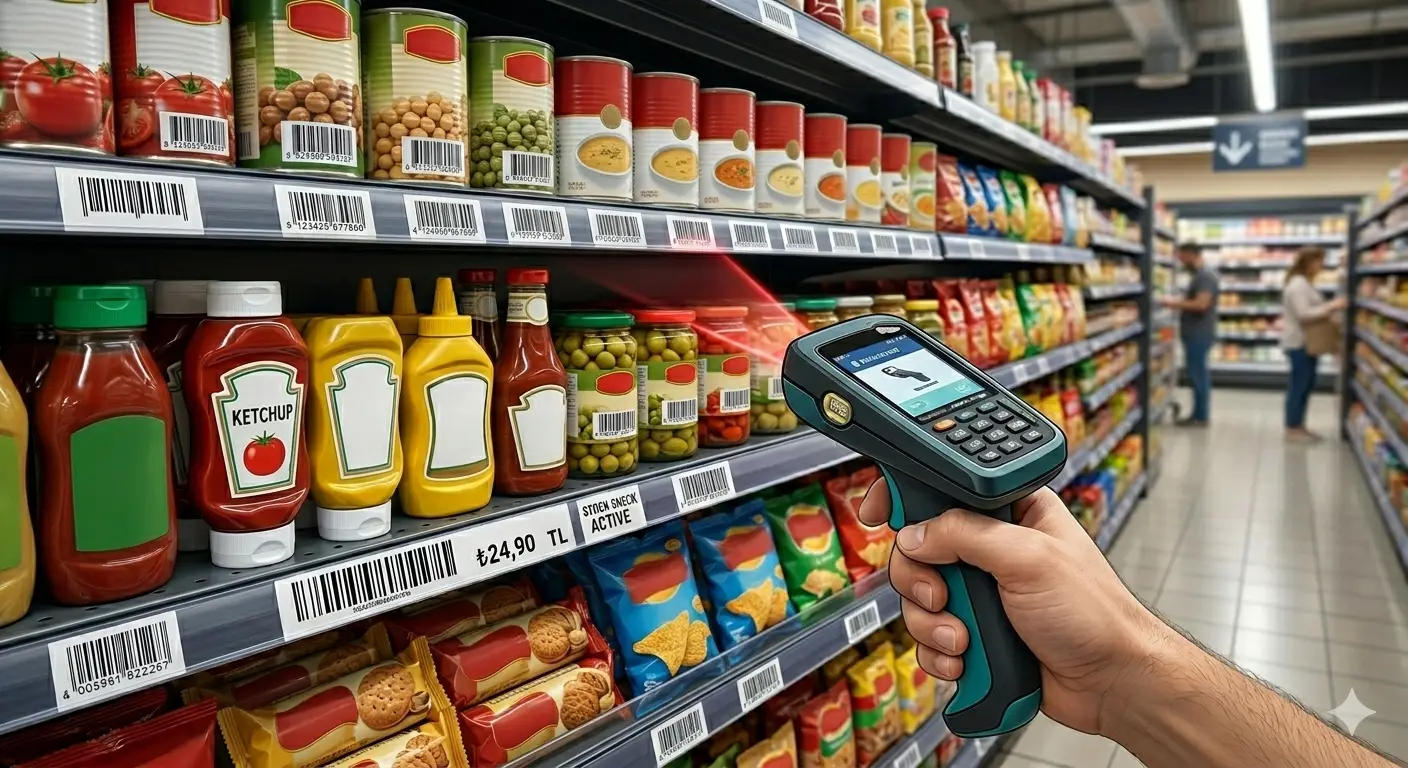
MSI Plessey Barcode: Checksum Variants & Legacy Inventory Guide
A focused technical guide to MSI Plessey covering numeric encoding, start/stop structure, Mod-10 and Mod-11 checksum variants, double-check schemes, scanner transmission settings, shelf labels, and migration planning.
1. Where MSI Plessey Fits
MSI Plessey is a numeric linear symbology found in legacy inventory, shelf and internal tracking systems. Its continued value is usually compatibility with an installed scanner/software ecosystem rather than superior density or interoperability.
2. Numeric Encoding Model
The payload is numeric and framed by defined start/stop patterns. Unlike retail GTIN carriers, MSI does not by itself establish globally standardized product identity.
3. Why Checksum Configuration Matters
'MSI' is not enough information for an interface specification. Implementations can use different check-digit algorithms and sometimes more than one check digit.
Interface contract
Document the exact checksum algorithm and whether the scanner validates, strips or transmits the check character.
4. Modulo-10 Variant
A common MSI Mod-10 scheme uses a Luhn-style calculation. Exact implementation details must match the target system; do not assume every MSI deployment uses the same variant.
5. Modulo-11 and Multi-Check Variants
Some systems use Mod-11 or chained combinations such as one checksum followed by another. Migration or replacement work should capture known-good samples from the existing system before changing encoders.
6. Scanner Configuration
| Setting | Possible Effect |
|---|---|
| MSI enabled/disabled | Symbol may not decode at all. |
| Checksum validation | Reader may reject labels. |
| Transmit checksum | Application string length changes. |
| Minimum/maximum length | Valid labels may be filtered. |
7. Shelf and Inventory Label Design
Repeated handling, dust, abrasion and relabeling can matter more than theoretical symbol capacity. Use durable stock, consistent print settings and sufficient physical size.
8. Database Handling
Store MSI payloads as strings so leading zeroes remain intact. Add uniqueness constraints at the application/database layer where labels represent unique locations or assets.
9. Migration to Code 128
For a new system, Code 128 may provide better density and broader modern tooling. A safe migration preserves the underlying business identifier where possible and changes only the optical carrier.
10. Common Failures
| Failure | Cause | Fix |
|---|---|---|
| Labels scan on one device only | Configuration mismatch | Standardize scanner profiles. |
| Extra digit appears | Checksum transmitted | Align application expectation. |
| Old labels fail after upgrade | Symbology disabled | Review decoder settings. |
| Duplicate IDs | Application allocation problem | Enforce uniqueness upstream. |
11. MSI Interface Acceptance
Record payload format, checksum mode, scanner settings, expected transmitted value, print dimensions, label stock and migration behavior before changing a production MSI system.
12. Legacy System Documentation
Before touching an existing MSI deployment, capture representative labels, scanner configuration exports, expected decoded strings, checksum behavior, and application field lengths. Legacy systems often contain undocumented assumptions that only become visible after a scanner or printer is replaced.
13. Double-Checksum Consequences
When two check digits are used, the second may be calculated over a string that already includes the first check digit. This means two systems can both claim to use MSI with checksums yet produce different final strings. Exact algorithm order is therefore part of the interface specification.
14. Operational Modernization Criteria
Migration becomes attractive when scanner replacements are already planned, label width is problematic, or the application needs non-numeric data. If none of these pressures exist, keeping a stable MSI workflow can be cheaper and safer than changing technology solely for modernization.
15. Data-Length Controls
Legacy MSI systems often rely on fixed or bounded identifier lengths even though the symbology itself can represent variable-length numbers. Scanner configurations may enforce minimum and maximum lengths to prevent accidental reads of unrelated symbols. When migrating devices, copy these controls deliberately; otherwise the new scanner may accept values the old application was never designed to process.
16. Reconciliation During Migration
A safe MSI migration uses a reconciliation period where old and new carriers are scanned against the same database object. Compare decoded values, transaction outcomes and exception rates before removing the legacy label. This catches subtle issues such as transmitted checksum digits, dropped leading zeroes and scanner-prefix differences that are difficult to detect from visual inspection alone.
17. Checksum Transition Risk
Changing an MSI checksum configuration is effectively a data-interface change. If the old scanner removes the check digit but the new scanner transmits it, the warehouse application receives a longer value even though both readers display a successful scan. Conversely, disabling checksum validation can allow labels that the old system would have rejected.
Before rollout, capture raw output from the existing scanner and compare it with the replacement. Test values that produce different check digits, leading-zero values, minimum/maximum lengths, and intentionally corrupted symbols. The objective is to reproduce the existing application contract unless the software is being updated deliberately at the same time.
If the organization decides to modernize both symbology and software, document a conversion map from old IDs to new carrier outputs. Historical records should continue to resolve, and old physical labels may need to remain readable during a transition period. Plan this coexistence explicitly instead of assuming every label will be replaced on one day.
Related Guides
Continue with closely related technical references.