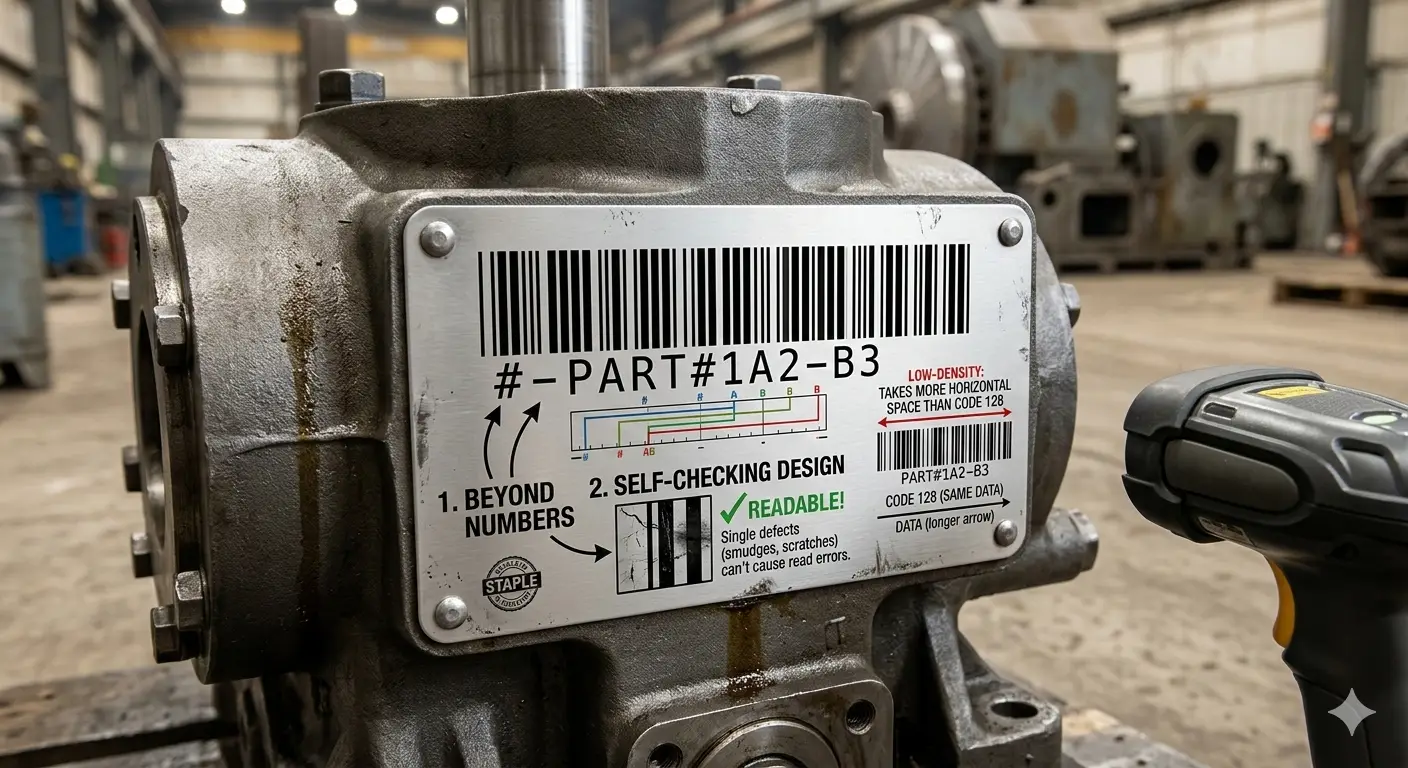
Code 39 Barcode: Character Encoding, Wide/Narrow Ratios & Mod-43 Guide
A technical reference for Code 39 covering its character repertoire, nine-element character construction, inter-character gaps, start/stop handling, optional Modulo-43 validation, Extended Code 39, print ratios, and legacy integration.
1. Code 39 Design Philosophy
Code 39 favors straightforward decoding and broad legacy compatibility over density. It remains common in established industrial and asset systems where changing scanners and labels can be more expensive than keeping a wider symbol.
2. Character Repertoire
Standard Code 39 directly represents uppercase letters, digits and a limited set of punctuation/special characters. Lowercase and broader ASCII require Extended Code 39 mappings.
| Category | Standard Support |
|---|---|
| Digits | 0–9 |
| Letters | A–Z |
| Symbols | Selected characters including space, -, ., $, /, +, % |
| Lowercase | Not direct in basic Code 39 |
3. Nine-Element Character Construction
Each encoded character is formed from nine alternating bar/space elements with a defined mixture of wide and narrow elements. The wide-to-narrow relationship is therefore a central print-quality variable.
4. Start/Stop and Inter-Character Gap
The asterisk is conventionally used to represent the start/stop character in human-facing notation. Scanner configuration determines whether boundary characters or checksum characters are transmitted to the application.
5. Modulo-43 Check Character
When enabled, each supported character maps to a value from 0 to 42. Values are summed and reduced modulo 43; the corresponding character is appended before the stop character.
Integration requirement
Encoder, scanner and receiving application must agree on whether Mod-43 is present and whether it is transmitted.
6. Extended Code 39
Extended Code 39 represents additional ASCII characters using pairs of ordinary Code 39 characters. It expands data capability but increases symbol length and depends on decoder support.
7. Density and Label Width
Code 39 can become very wide for long IDs. If a new system has tight labels or long payloads, Code 128 is often a better engineering choice than shrinking Code 39 below reliable print dimensions.
8. Print Ratio and Device Effects
| Variable | Effect | Control |
|---|---|---|
| Wide:narrow ratio | Decode discrimination | Keep renderer/printer within specification. |
| Ink spread | Narrow spaces close | Tune print process. |
| Non-uniform scaling | Ratio distortion | Scale proportionally. |
| Low resolution | Edge quantization | Increase element size. |
9. Legacy Scanner Configuration
Migration problems often come from scanner settings rather than the bars themselves: disabled Code 39 decoding, Full ASCII mode, checksum validation, or transmitted start/stop/check characters can change application input.
10. Code 39 vs Code 128
| Need | Code 39 | Code 128 |
|---|---|---|
| Legacy compatibility | Strong | Depends on fleet |
| Density | Lower | Higher |
| Lowercase direct | No | Yes |
| Numeric compression | No | Yes via Set C |
11. Code 39 Deployment Record
Document the character mode, checksum policy, scanner transmission settings, X-dimension, wide/narrow ratio, label stock and exact application payload before deployment.
12. Self-Checking Characteristics
Code 39 was designed so that individual character patterns provide a degree of structural self-checking, but this should not be confused with a full application checksum. If the operational risk justifies stronger error detection, the optional Modulo-43 check character can be enabled consistently across encoders and readers.
13. Inter-Character Gap Tolerance
The narrow gap between adjacent Code 39 characters is part of the symbol structure. Excessive gap width can make the barcode unnecessarily long, while print defects that visually merge characters can degrade decoding. Label-generation software should control the gap rather than leaving it to font rendering or arbitrary CSS spacing.
14. When Not to Use Code 39
Code 39 is a poor fit when labels are very narrow, payloads contain extensive lowercase text, or the system must carry dense numerical information. In those cases Code 128 often reduces width substantially and avoids Extended Code 39 expansion.
15. Font-Based Generation Risks
Code 39 is sometimes generated with barcode fonts because the character patterns are simple. This approach can be fragile when the font, character spacing, printer driver, or application applies kerning or scaling. A dedicated barcode renderer is generally safer because it controls start/stop characters, inter-character gaps, wide/narrow ratios and checksum behavior explicitly instead of delegating geometry to ordinary text layout.
16. Asset-Tracking Data Design
For industrial asset tags, the encoded value should remain stable across maintenance events, department changes and location moves. Put changeable metadata in the asset database rather than embedding it into a long Code 39 string. Stable identifiers make labels shorter and prevent unnecessary relabeling when operational attributes change.
17. Code 39 Compatibility Testing
A compatibility test should use actual encoded payloads from the production system, not only a generic sample such as CODE39. Test the longest allowed value, the shortest value, values containing every permitted special character, optional checksum cases, and any Extended Code 39 sequences. This exposes parser and scanner configuration issues that a simple demo label will miss.
Run the same samples through each scanner model and application path. Compare the exact transmitted bytes or characters, including prefixes, suffixes, checksum characters, and start/stop handling. If devices behave differently, standardize their configuration or normalize input centrally in software rather than relying on operators to remember which scanner behaves which way.
For printed labels, include worst-case production samples: smallest permitted X-dimension, maximum payload length, darkest expected print, lightest expected print, and the real label stock. Compatibility is complete only when both the optical and application layers behave consistently across the supported environment.
Related Guides
Continue with closely related technical references.